Summary of the changes in this version
Added an option to auto-submit test results
Added an option to auto-turn on the barcode scanner
Added persistent time zone settings
Some bug fixes and performance improvements.
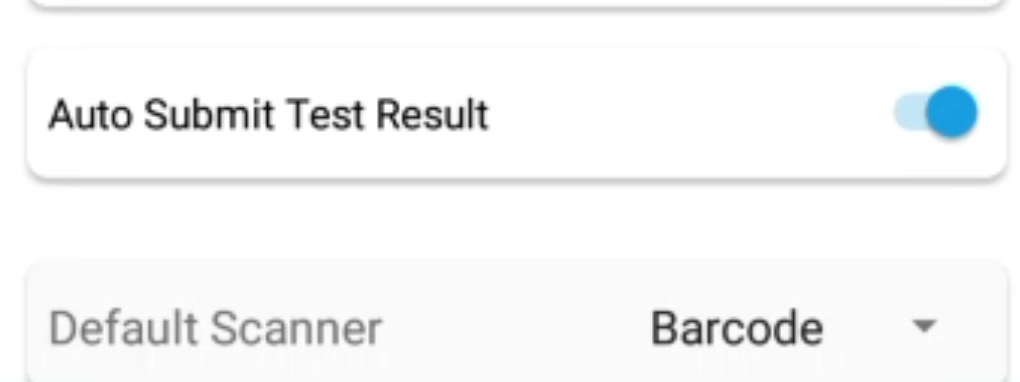
In this version, we’ve added two new options to the settings screen.
Auto-Submit Test Results
If you turn this on, once an ATP test is completed, you no longer need to tap the submit button; the app will automatically submit the results after 10 seconds.
Default Scanner
You can now select a default scanner. When you tap the scanner button on the dashboard, it will automatically activate your chosen scanner. Previously, you had to manually select a scanner each time.
Persistent Time Zone
You can now set the time zone from the settings screen, and the app will ensure it remains consistent across sessions.
Leave a Reply
You must be logged in to post a comment.